
FEATURES
•
Very simple to learn and
use.
•
View stock availability at
all warehouses or retail
stores.
•
Full back end inventory
management system.
•
Maintains Floor Stock
Levels.
•
Process cash, credit cards,
gift certificates, cheques,
account credit, or custom
payment types.
•
POS staff may be
prompted to enter their
‘PIN’ with each sale
processed.
•
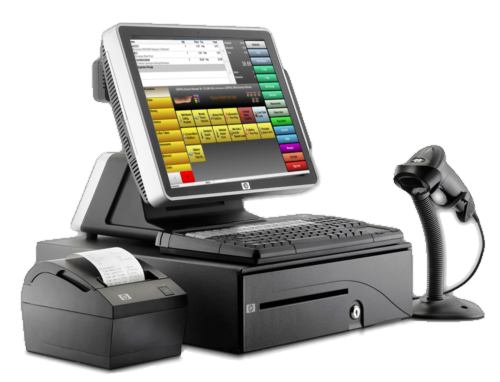
Integrates with barcode
scanners.
•
Print barcode labels as
required.
•
Price check items without
committing to sell.
•
Simple receipt re-print
function.
•
Print or email receipts.
•
Quick ‘park’ sales (suspend
and unsuspend POS sales)
•
Refund processing (with
optional authorisation
required).
•
Simple void sale function.
•
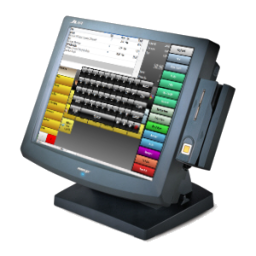
Works with touch
screens/systems and non-
touch screen based
hardware.
•
Price override.

Capital Office Business Software

Business Software You Won’t Outgrow

© 1985-2026 CAPITAL Office Business Software


Highlights at a Glance
• Easy to learn and easy to use touch, keyboard, scanner and mouse aware interface. • Total integration with a state-of-the-art full financial and business management system (ERP). • Process cash and account sales - which appear instantly in your accounting database. • Live stock updates. • Convert existing sales orders and quotes into invoices. • Convert cash sales into sales orders and back orders. • Fully configurable user interface. Automatically resizes to suite the size of your screen. • Lay-by Management. • Gift Certificate Management. • Suspend and recall sales. • Captures address and contact information. • Customer special pricing applied automatically.