Creating a List with Custom Buttons (Version 15 & above)
Posted: Tue Mar 10, 2026 7:44 pm
This script presents a list based on the day's sales orders, with three custom buttons.
Which displays this grid:
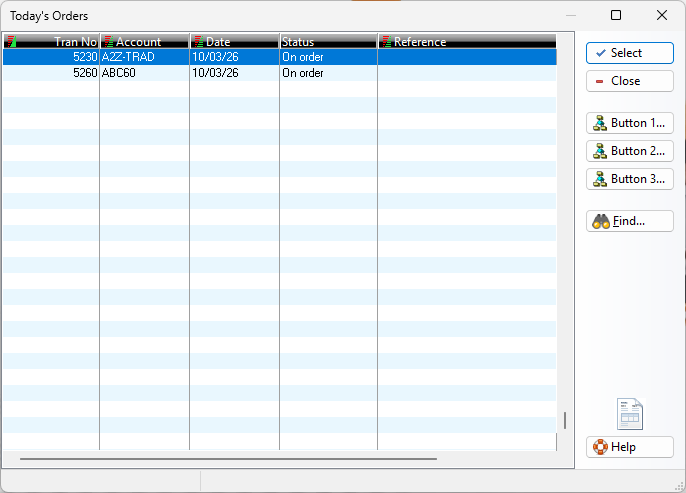
This is the list's management script which reports which custom button was pressed when pressed:
Code: Select all
OpenTable("ORDERS", "MYORDERS", TRUE)
MYORDERS->(FilterTable("ODATE=CTOD('" + DTOC(Today()) + "')"))

Declare aBtns Type Array
aBtns := {}
ArrayAdd(aBtns, "Button 1...")
ArrayAdd(aBtns, "Button 2...")
ArrayAdd(aBtns, "Button 3...")

LookUp("MYORDERS",, 1, "Today's Orders",,, "OrderBtnScript", aBtns)

CloseTable("MYORDERS")This is the list's management script which reports which custom button was pressed when pressed:
Code: Select all
* OrderBtnScript
* User button Pressed
If Mode > 9 .And. Mode < 21
   Echo("Button number press: " + NTrim(Mode - 9))
Endif